 +91 9979740101
 contact@blueribbonsolution.com



 Let’s Talk
Decisions before code
Prototypes let you test ideas and agree direction before development starts.
Shape websites and products around user needs, with clear flows, consistent interfaces and designs ready for development.
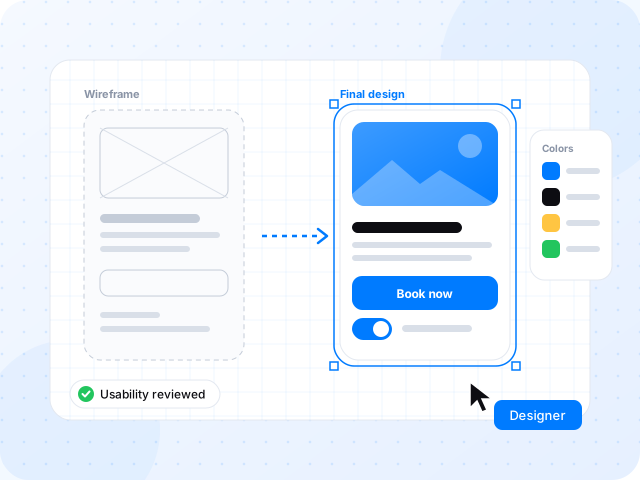
Good design removes doubt. We map how people move through your product, prototype the key moments and create a consistent interface that developers can build with confidence.
Prototypes let you test ideas and agree direction before development starts.
Reusable components and styles keep screens consistent as your product grows.
Organized files, states and notes reduce back-and-forth during development.
Common areas of work for this service. Your proposal confirms exactly what is included in your project.
Assess the current product against user goals and usability principles.
Map key tasks, decision points and where users get stuck.
Low-fidelity layouts to agree structure and content quickly.
Clickable flows for review, demos and usability sessions.
Visual design, components, styles and responsive layouts.
Specs, states and implementation notes for your build team.
 Figma
Figma Illustrator
 Photoshop
 After Effects
 Analytics
Review points at every stage, so there are no surprises at the end.
Review goals, audience, existing research and current experience.
Map journeys and agree wireframes for the key flows.
Create the visual interface and clickable prototype.
Review with users or stakeholders, refine and prepare the handoff.
After launch: maintenance, improvements and support can be agreed as a separate plan, so you always know who looks after what.
Don’t have everything yet? We can start with your goals.
Start the conversationHave a specific requirement? Tell us about it →
Yes. Design can be a standalone engagement, with editable files and handoff notes for your own development team.
Usability sessions can be included in your scope. We agree the number of participants, recruitment approach and format during planning.
Yes. We design within your brand guidelines and can extend them with interface components where they are missing.
We usually work in Figma, which makes it easy to share, comment on and hand over files.
We estimate after discussing the scope, integrations, content readiness and review process. You receive agreed deliverables and milestones before work begins; changes are discussed before they affect the budget or schedule.
Combine services around your goals, with one agreed project scope.
 Development
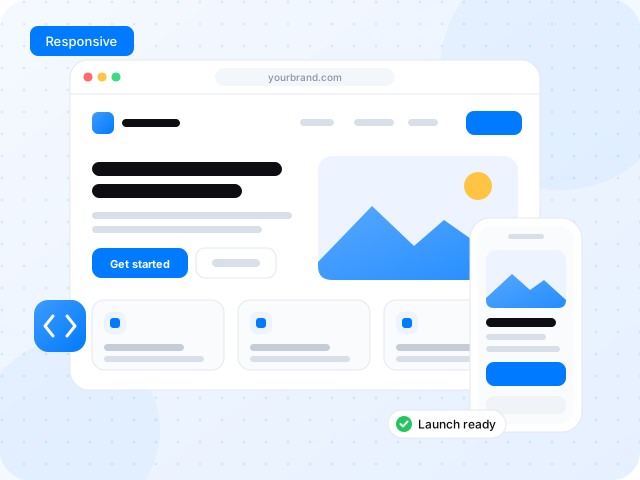
Business websites, online stores and web applications built around your customers and the way your team works.
Explore service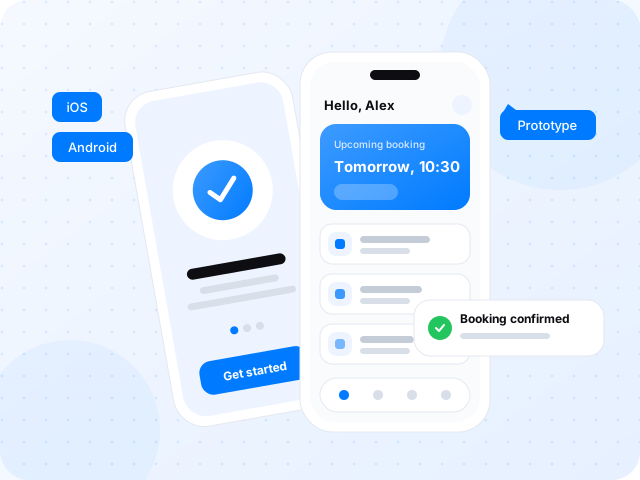 Development
Plan, design and build iOS and Android experiences with clear onboarding, reliable interactions and a practical release plan.
Explore service Development
Replace disconnected tools and repetitive tasks with focused applications, dashboards and integrations.
Explore service

